
GPS navigation tool for professional mariners For someone bad with directions like me, GPS is one of the best things to come out of the military since the Internet in my book. MacENC is about as professional as it gets when it comes to GPS navigation. It's designed mainly for mariners who need a real-time display of where they are in the World at any one time.
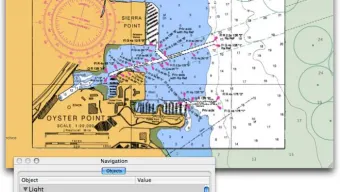
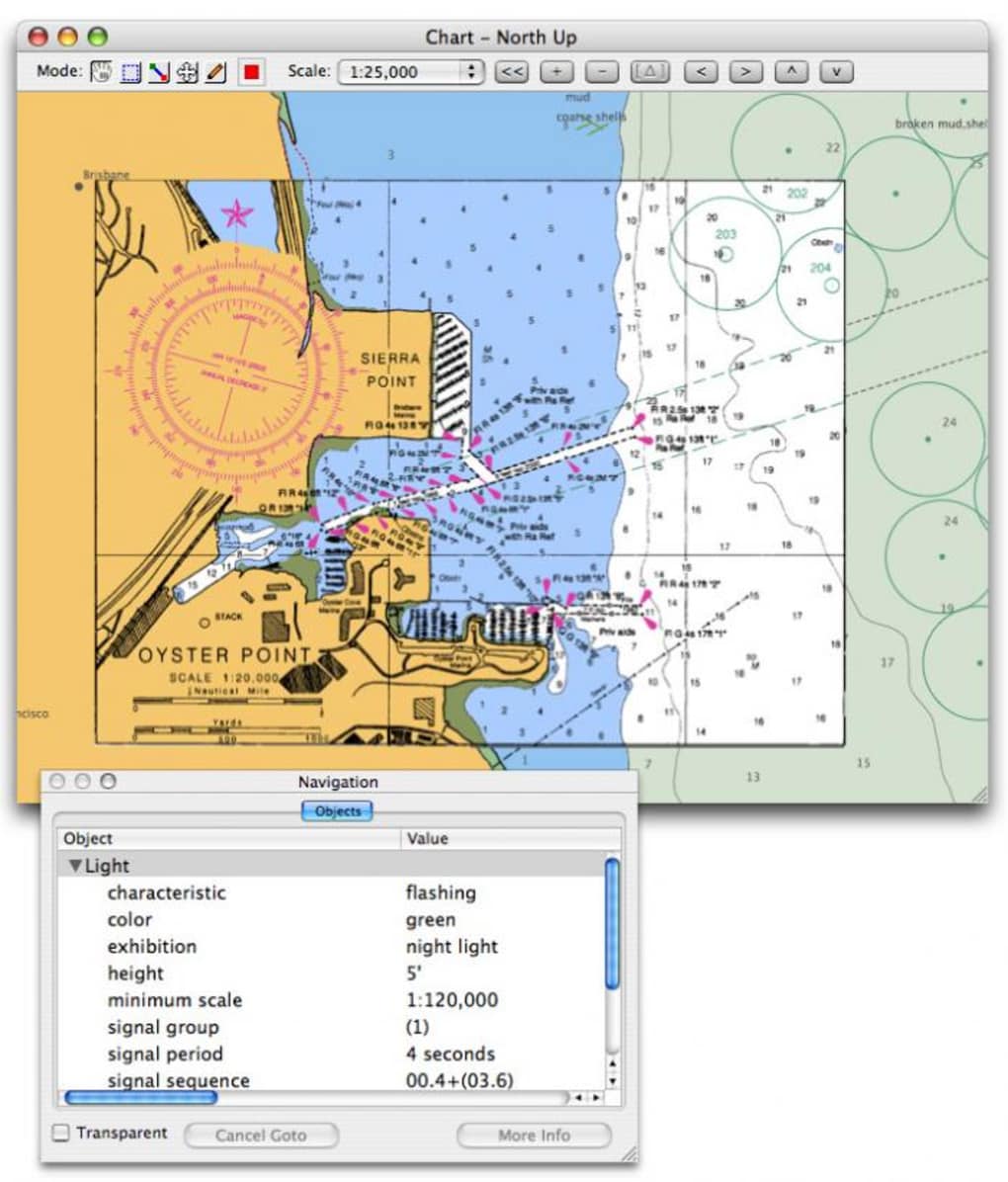
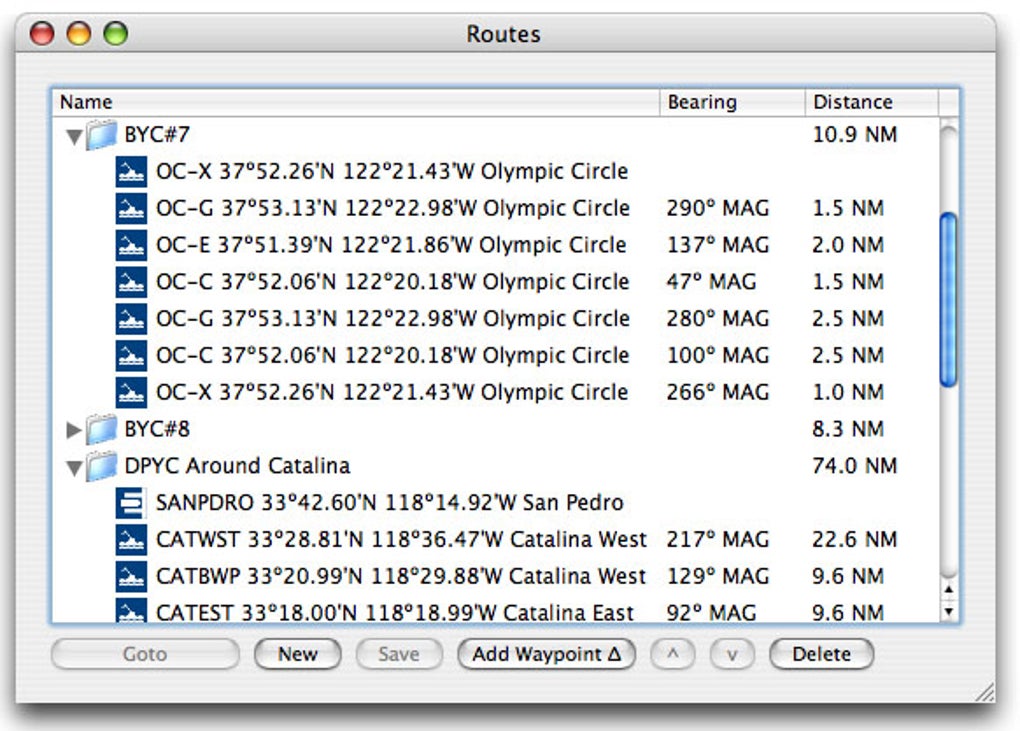
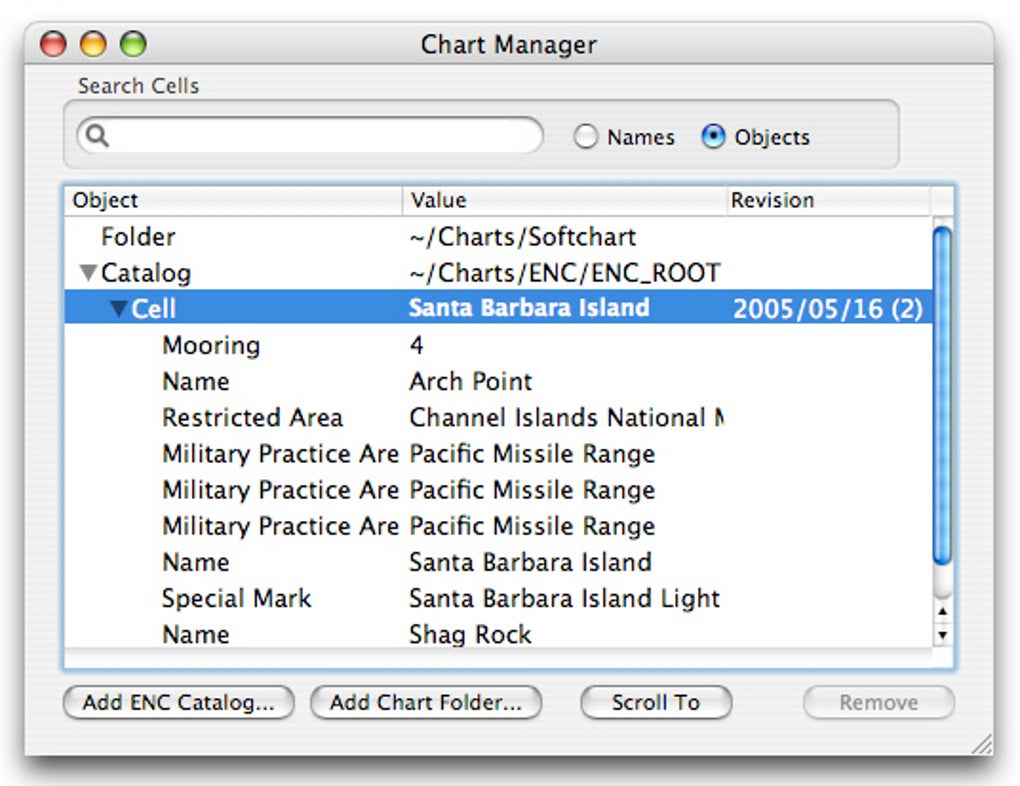
It displays your position on what are known as Electronic Navigational Charts and raster format BSB and Softcharts, making it a highly flexible tool. To use it, simply plug a GPS device into your Mac and watch your vessel moving in real-time. You can check plot points marking your route so you can see where you've come from.
MacENC can also be useful simply for plotting trips without a GPS device since one is not essential to use with the charts. Handily, MacENC is also compatible with Google Earth and a professional mapping tool known as X-Traverse. Because this is a tool designed for professional use, it's very hefty to upgrade although if you're seriously wanting to use your Mac for maritime adventures, it's probably worth it.
The big disadvantage of MacENC is that you need a GPS device although some applications, such as GPSRouteX, allow you to plot your route in Google Earth using your Mac as a GPS device if rudimentary tracking - and not plotting - is all you need. MacENC is only for the professional mariners out there who want to use their Mac and GPS device to make navigation a whole lot easier. Changes No release notes available.







